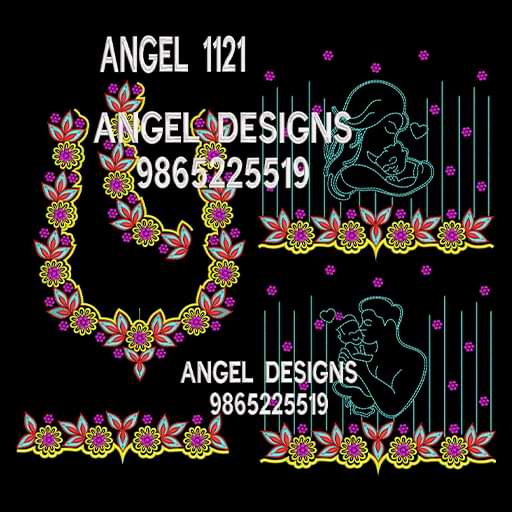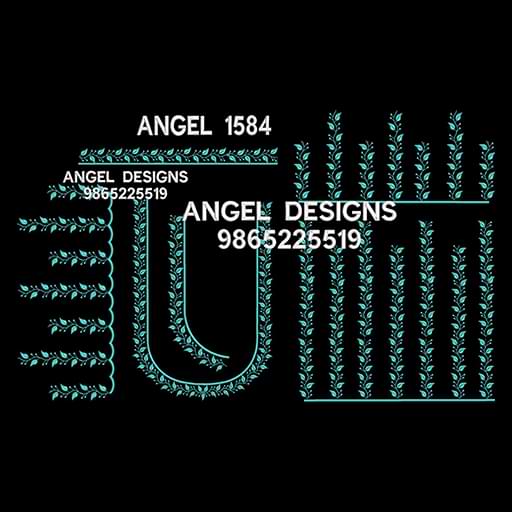
Visit the home page to select a design directly or navigate through the Category and Sub-Category menu to find relevant designs.
If you like a design and want to save it for future purchase, you can add it to your wishlist by:
o Clicking the Heart Icon on the design image, or
o Selecting Add to Wishlist in the product description area.
Click on the required design image to view the full product details.
o Click Buy Now to proceed with immediate purchase, or
o Click Add to Cart if you wish to purchase multiple designs.
For designs available in different types or variants, select the desired type and then click Buy Now or Add to Cart.
If you already have an account, log in using your username and password to proceed.
If you do not have an account, register for free on the website to continue with the purchase.
Once logged in, review the selected design items on the final cart page.
Click Pay Now and complete the payment using the available payment options.
After successful payment, you will be redirected to the Downloads section in your account.
Download the purchased design file directly from your account.
For any queries or assistance, please contact us through the support options available on the website.